Noisy audio can confuse words
Music, traffic, echo, overlapping speakers, and low microphone volume can produce incorrect words or missing phrases.
Workaround
Use the clearest source recording available and proofread against the original audio.
Start with clarity
Auto captions free can be a useful starting point when you want spoken words turned into readable text without building a caption file by hand. Bring a video with understandable audio, then review the result before publishing.
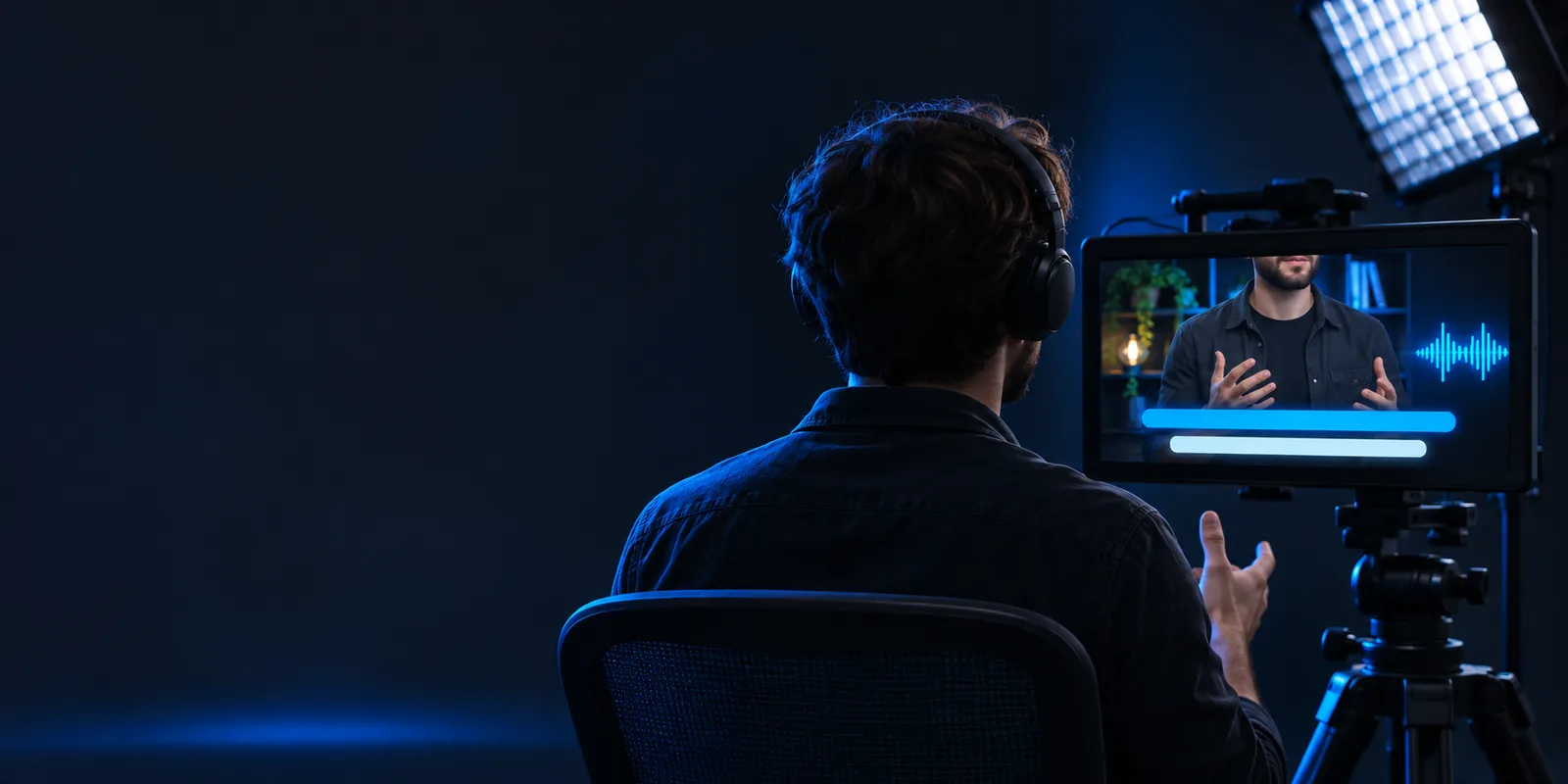
Choose the page that matches your next question, from browser-based workflows to platform-specific captioning.
A free captioning route still needs human judgment. These are the common gaps to check before treating the output as final.
Music, traffic, echo, overlapping speakers, and low microphone volume can produce incorrect words or missing phrases.
Workaround
Use the clearest source recording available and proofread against the original audio.
People, brands, acronyms, and industry vocabulary are harder to recognize than ordinary speech.
Workaround
Search the transcript for key terms and correct them consistently before sharing the video.
Captions can still need line breaks, punctuation, speaker separation, or timing adjustments to remain comfortable to read.
Workaround
Watch the complete video with captions enabled and revise any section that feels rushed or confusing.
The exact upload, export, language, or editing options depend on the tool and route you use, so do not assume every feature is included.
Workaround
Test a representative clip first and confirm the available output meets your publishing needs.
The simplest workflow is to prepare the source, generate a first caption pass, and check it as a viewer rather than trusting the transcript alone.
Choose the cleanest version of the video and check that the main speech is audible. Remove unnecessary silence or background noise when you can.
Use the prompt or upload route to describe the task and create an initial caption pass. Keep the request focused on the video and its intended audience.
Listen while reading, fix names and wording, then check timing and line breaks on a phone-sized view before exporting or posting.
 Before review
 After caption pass
A first caption pass can support several everyday video tasks, but each audience still benefits from a final human review.
A spoken tip or vertical clip needs readable text for viewers watching with sound lowered.
Start with a caption draft, then tighten line breaks and remove obvious recognition errors. See more in auto captions examples.
auto captions examplesA longer upload needs a transcript foundation before the creator checks names, timing, and terminology.
Use the draft as an editing aid rather than treating it as a finished accessibility review. Follow the how to auto generate captions on youtube guide.
how to auto generate captions on youtubeA product clip should remain understandable when watched silently in a busy feed.
Review the opening lines, brand terms, and visual placement so captions support rather than cover the demonstration. Explore auto captions instagram guidance.
auto captions instagramA lesson or recorded explanation needs a searchable text layer for students or colleagues.
Check subject vocabulary carefully and divide long spoken passages into comfortable reading units. Start with an auto captions tutorial for youtube if the destination is YouTube.
auto captions tutorial for youtubeThis comparison separates a caption draft from the work required to make captions dependable for viewers.
Starting point
Auto-caption draft
Generated from the video's spoken audio
Reviewed caption track
Built from the draft and checked against the video
Word accuracy
Auto-caption draft
Can miss names, jargon, accents, or overlapping speech
Reviewed caption track
Key words are corrected by a person
Timing
Auto-caption draft
Provides an initial alignment with speech
Reviewed caption track
Timing is checked for pauses, cuts, and reading comfort
Punctuation
Auto-caption draft
May need cleanup around sentence boundaries
Reviewed caption track
Edited to make meaning clear on screen
Speaker changes
Auto-caption draft
May not identify every speaker reliably
Reviewed caption track
Speaker turns can be clarified during review
Publishing confidence
Auto-caption draft
Useful as a draft, not proof of final quality
Reviewed caption track
Ready for a final accessibility and brand check
If the source audio is clear, an initial caption pass can save time at the start of editing. Send a focused request to the partner tool, then keep the final review with the person who knows the video and its audience.
Create video captionsThese answers address the practical questions people usually mean when searching for auto captions free.
Some tools and workflows offer a free route, but the available controls, limits, and export options can vary. Check the specific workflow before assuming that every captioning feature is included.
Start with a clear video, send it through a captioning workflow, and review the generated text against the audio. Correct wording, timing, punctuation, and line breaks before publishing.
They can provide a useful first draft, especially when the recording is clear and one person is speaking. Accuracy can fall with noise, accents, names, jargon, music, or overlapping voices, so review remains important.
The supported video types, upload limits, languages, and export choices depend on the tool you use. Test a short representative clip and confirm the result fits your intended platform before processing a full project.