Explore short auto captions examples by video format

Use short auto captions examples as a starting point, not a script to paste unchanged. The best line follows what the speaker actually says, fits the moment on screen and leaves viewers enough time to read.

Video caption editing scene

What this scenario must deliver

A useful example shows the spoken line, where to break it and what to check before publishing. Start with the destination that matches your video.

Each item: from speech to screen

These examples illustrate line breaks, not guaranteed output from a particular tool. Keep the wording faithful to the recording.

  1. 1

    Capture the exact words

    Listen to the clip before shortening anything. If a speaker says “Here’s the result after one week,” do not replace it with “Amazing results” just because the second line looks punchier.

  2. 2

    Break at a natural pause

    Try “Here’s the result” followed by “after one week.” Each line carries a complete thought, so a viewer can follow it without rereading a sentence broken mid-phrase.

  3. 3

    Check the frame and timing

    Play the video at its intended size. Move a caption that covers a face, demonstration or existing text, and make sure each line appears while its words are spoken.

Quality bar for four video scenarios

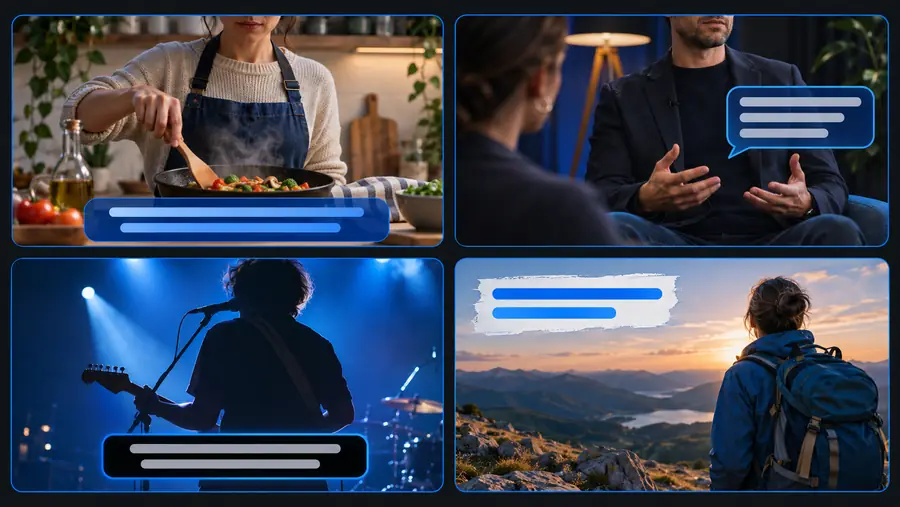
Short captions work differently when the viewer needs to follow an instruction, a claim, a conversation or a scene.

Educator

A lesson clip says, “First, divide both sides by three.” Keep the action together instead of separating “divide” from its object.

A learner can read the instruction while watching the matching step. Review numbers and technical terms against the audio.

auto captions tutorial for youtube
Product demonstrator

A presenter says, “Tap the filter, then choose blue.” A break after “filter” can match the two visible actions.

The caption supports the demonstration rather than obscuring the control being tapped. Check the spoken color and on-screen label.

how to auto generate captions on youtube

Social video creator

A travel clip says, “We made it before sunset.” Keep that thought on one short line if it fits comfortably on the screen.

The scenery remains visible and the line reads at a glance. Review placement where platform controls may cover the lower frame.

auto captions instagram

Common rework: an awkward break versus a clear one

The same words can be harder or easier to follow depending on where the line changes. Treat this pair as a layout illustration, then check your own footage.

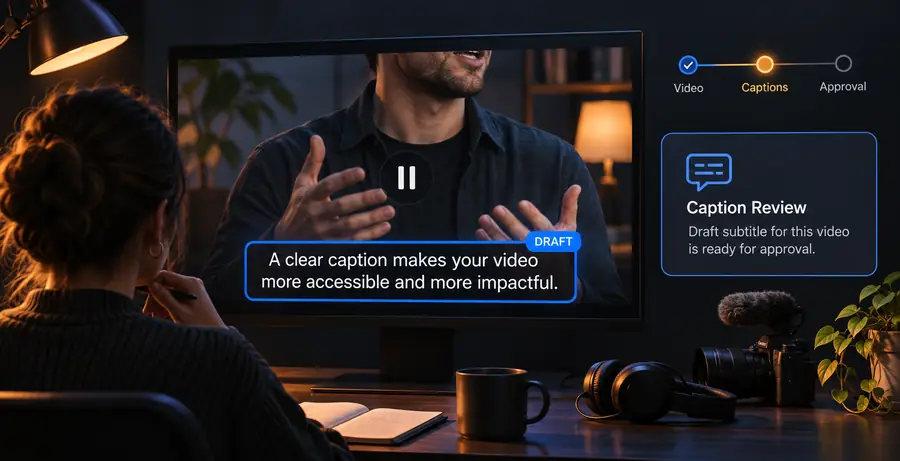
Video workflow illustration representing a caption draft awaiting review Draft: break interrupts the thought
Illustration of short captions arranged for a video example Revised: break follows the phrase
For “We made it before sunset,” avoid isolating “before” at the end of a line. A line break should help the viewer follow speech, not create a misleading pause.

Caption format comparison

Use this table as an editorial check for a short spoken passage. It compares two ways of dividing the same words, not two products or automatic output modes.

Hard-to-read draft
Reviewed short caption

Lesson instruction

Hard-to-read draft

“First, divide” / “both sides by three.”

Reviewed short caption

“First, divide both sides” / “by three.”

Product action

Hard-to-read draft

“Tap the filter, then” / “choose blue.”

Reviewed short caption

“Tap the filter” / “then choose blue.”

Travel reaction

Hard-to-read draft

“We made it before” / “sunset.”

Reviewed short caption

“We made it” / “before sunset.”

Podcast exchange

Hard-to-read draft

Two speakers’ words appear as one continuous thought.

Reviewed short caption

A new caption starts when the next speaker begins.

On-screen placement

Hard-to-read draft

Text covers the step, face or location being discussed.

Reviewed short caption

Text stays clear of the detail the viewer needs to see.

Final review

Hard-to-read draft

Names, numbers and timing are accepted without listening back.

Reviewed short caption

Names, numbers and timing are checked against the recording.

Bring your own clip into focus

Make the spoken moment easier to follow

Start with the words in your video, then review each proposed caption for accuracy, line breaks, timing and placement. A compact example is useful only when it still reflects the speaker and the scene.

Explore video creation
  • Keep claims faithful to the audio
  • Break lines at natural pauses
  • Check captions against the final frame

Scenario FAQ

If the speaker says, “We made it before sunset,” that full sentence can be a clear short caption when it fits the frame. Keep it timed to the speech rather than using the line as an unrelated description of the scene.

Captions should faithfully represent the speech. You can adjust line breaks for readability, but removing a qualifier or changing a number can alter the meaning.

Look for a pause or a complete phrase, then watch the result at the video's intended viewing size. Avoid leaving a preposition or an unfinished instruction stranded at the end of a line.

The principle of matching the audio carries across all three, but the review differs. Lessons need careful treatment of terms and numbers, podcasts need clear speaker changes, and social clips need placement that leaves the visual unobstructed.

Start creating
Start creating