YouTube educator
A lesson contains names, dates, and terms that a general speech model may mishear.
Use auto captions as a draft, then compare important terms against the recording before publishing.
how to auto generate captions on youtubeCaption basics
Auto captions turn detected speech into text and place that text along a video's timeline. This guide explains the process, its limits, and the checks worth making before you publish.
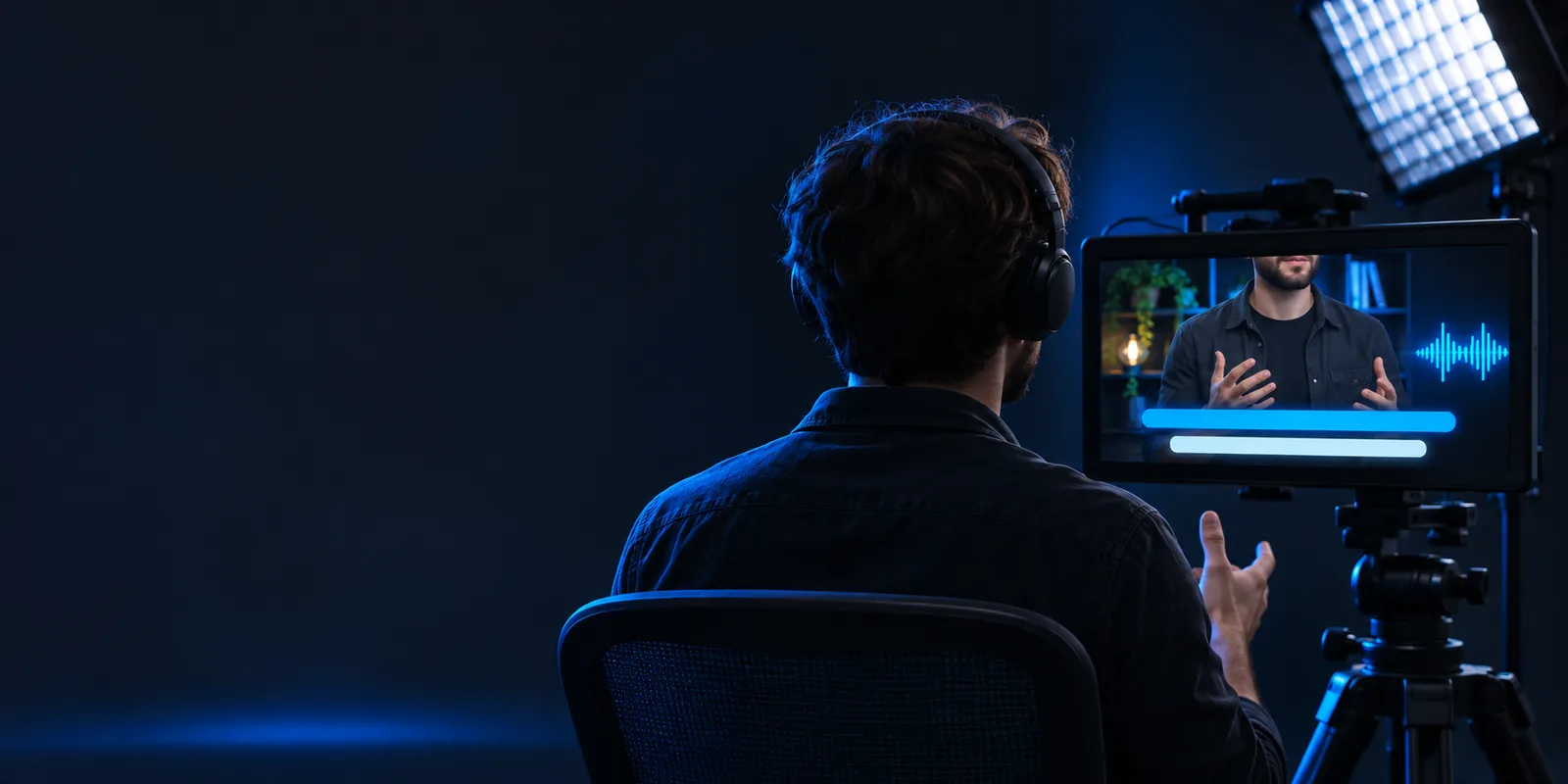
Auto captions are a machine-generated first draft of spoken words, synchronized with a video. They make speech visible, but they are not a substitute for checking what was actually said.
The underlying task is the same across projects: identify speech, estimate the words, and align the result with playback. What needs the most careful review depends on the recording and its audience.
A lesson contains names, dates, and terms that a general speech model may mishear.
Use auto captions as a draft, then compare important terms against the recording before publishing.
how to auto generate captions on youtubeA vertical clip has quick cuts and text already occupying part of the frame.
Check both the words and whether captions remain readable without covering essential visuals.
auto captions instagramA walkthrough includes feature names and occasional background noise.
Correct misrecognized names and watch for captions that appear too early or late.
short auto captions examplesA creator wants a repeatable way to check a captioned video.
Review the transcript, play it back with the video, and inspect the final presentation.
auto captions tutorial for youtubeAuto captions generally move through three stages. The exact controls vary by tool, but the reason errors happen is easier to understand when you separate recognition from timing.
The system analyzes the video's audio to distinguish spoken passages from silence and other sounds. Clear speech usually gives it a better starting point than a voice buried under music.
Speech recognition predicts which words match the sounds it detects. Accents, overlapping speakers, uncommon names, and technical vocabulary can lead to plausible-looking but incorrect text.
The predicted words are assigned positions on the timeline so they appear during playback. A person should then check wording, punctuation, speaker changes, and timing against the original audio.
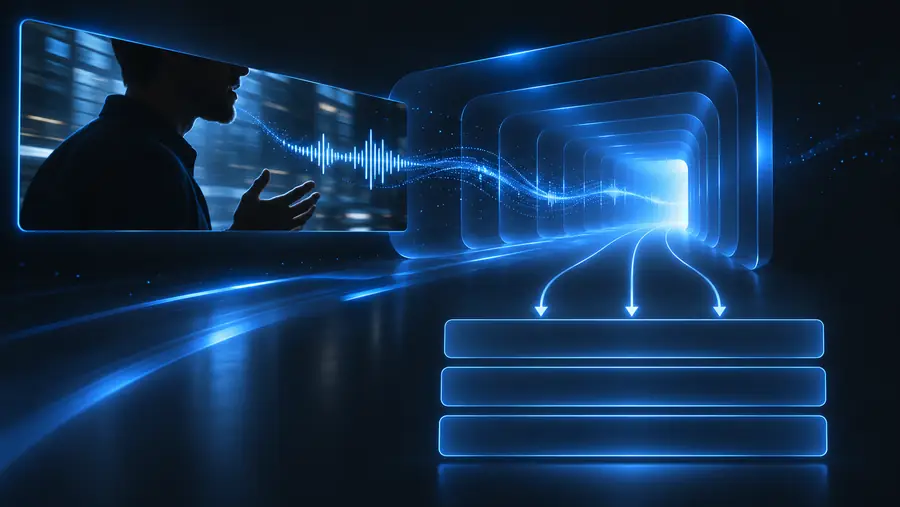 Video and speech
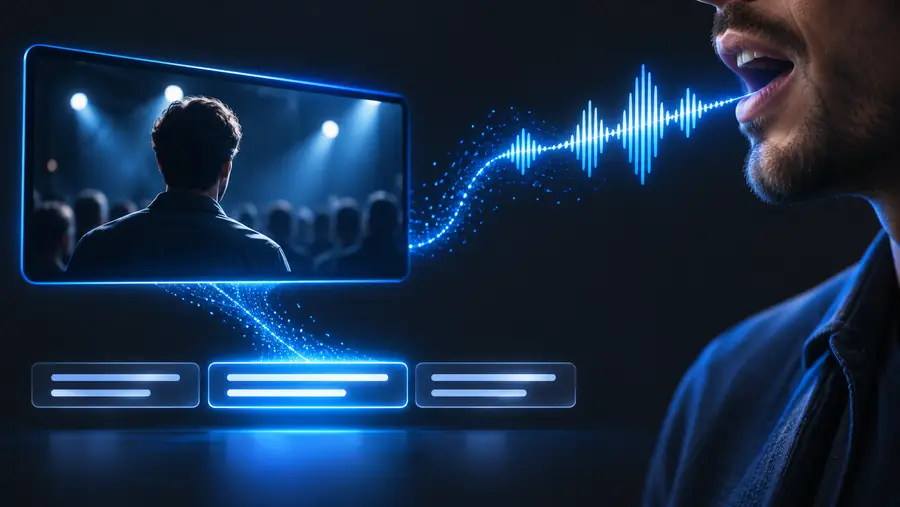 Captioned preview
Auto captions can provide a useful timed draft. They cannot reliably determine every intended word, identify every speaker, or guarantee that on-screen text will suit the final layout.
A model may replace an unfamiliar name or phrase with a more common one, even when the resulting sentence looks fluent.
Workaround
Compare names, figures, and consequential statements directly with the recording.
Overlapping voices or a change of speaker without a pause can produce confusing captions.
Workaround
Replay conversational sections and clarify speaker changes where the available editing workflow permits.
Noise, clipping, or very quiet speech may leave too little information for dependable recognition.
Workaround
Improve the recording when possible, then manually correct uncertain passages.
Text may cover a face, a demonstration, or other important on-screen information.
Workaround
Watch the finished video at the size and orientation your audience is likely to use.
Creators, educators, and teams use auto captions to establish a first pass. The comparison below describes the draft and the work a person can do afterward; it does not imply that either stage is error-free.
Spoken words
Automatic first pass
Predicted from the audio
Human-reviewed captions
Checked against the recording
Names and jargon
Automatic first pass
May be replaced with familiar words
Human-reviewed captions
Corrected using the intended spelling and context
Punctuation
Automatic first pass
Estimated from speech patterns
Human-reviewed captions
Adjusted for the intended meaning
Speaker changes
Automatic first pass
May be unclear during overlap
Human-reviewed captions
Clarified by listening to the exchange
Timing
Automatic first pass
Placed automatically along the timeline
Human-reviewed captions
Checked during playback and adjusted if needed
Screen readability
Automatic first pass
Not assured by transcription alone
Human-reviewed captions
Inspected alongside the finished visuals
Autocaptions helps you understand the steps behind readable video text. If you are ready to explore a video creation workflow, begin with your recording and reserve time to check any generated captions against the audio.
Explore video creationThey analyze a video's audio, predict the spoken words, and place text at corresponding points in playback. The result is a draft that should be checked against the recording, especially where speech is unclear.
Caption systems estimate where spoken words or phrases occur in the audio and use those estimates to time the text. Timing can still drift or feel awkward, so watching the video with captions enabled is an important check.
Speech recognition must infer words from sound, and several words can sound similar. Noise, accents, overlapping voices, and unfamiliar names make an incorrect prediction more likely.
They use patterns in speech and language to predict text, but that does not guarantee they have captured the speaker's intended meaning. A small error in a name, number, or negation can change a sentence substantially.
Yes, when accuracy and readability matter. Listen while reading the captions, correct the wording, and check that each line appears at the right time without hiding important visuals.