Short-form creator
You need captions on a vertical clip but do not want a brand mark covering the frame.
Export a short sample, watch it from start to finish, and inspect the corners as well as the caption area.
auto captions instagramWatermark-aware captioning
A clean editing preview does not prove the downloaded video will be clean. Start with a short clip, review the auto captions, and check the actual export for a watermark before you plan a longer project.
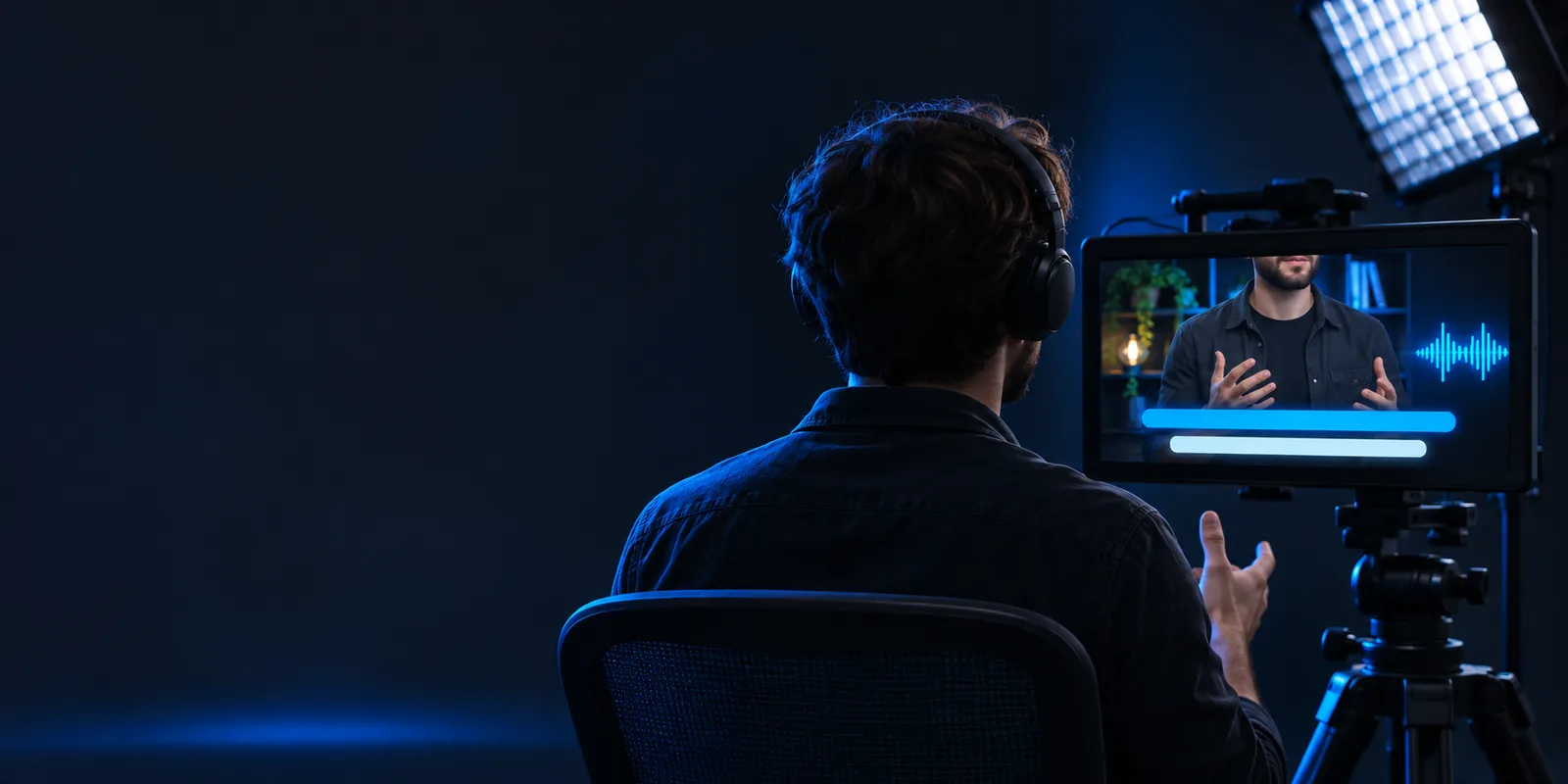
The general captioning route starts with speech and readability. A no watermark search adds an export check: what appears in the finished file, and under which terms?
These are checks for the person publishing the video, not promises about any editor. Each catches a different way a finished captioned clip can miss the mark.
You need captions on a vertical clip but do not want a brand mark covering the frame.
Export a short sample, watch it from start to finish, and inspect the corners as well as the caption area.
auto captions instagramYou are deciding whether captions should live in the uploaded video or in YouTube's caption track.
Check the exported video for overlays, then decide which caption approach fits how viewers will watch.
how to auto generate captions on youtubeYou want to try auto captions before preparing an entire series of videos.
Test one representative clip and verify both caption quality and export conditions before scaling up.
auto captions freeUse a small, representative test. A clip with ordinary speech and at least one difficult name tells you more than a silent or unusually clear sample.
Pick footage you have permission to use. Include the kind of speech, background sound, and framing your final video will have.
Review names, punctuation, timing, and line breaks. Auto captions can mishear words or leave a line on screen after the speaker has moved on.
Read the current export terms, download a test if available, and watch the saved file. Check for a watermark at the start, end, and throughout the clip.
A search for free auto captions no watermark cannot establish what a particular export includes. Features and access conditions can change, so rely on current terms and a finished-file test.
An editor preview may differ from the downloaded video. A watermark can appear only when a file is exported.
Workaround
Inspect a saved sample rather than judging the editing screen.
A tool may restrict export, resolution, duration, or watermark removal under its current terms. This page cannot guarantee an unrestricted no watermark export.
Workaround
Read the terms shown at export before investing time in a long edit.
Background noise, accents, music, and unfamiliar names can produce incorrect captions even when the video exports cleanly.
Workaround
Proofread while listening, then play the exported video with sound.
Use this comparison to separate a general auto captions workflow from a watermark-aware one. Neither column is a claim that a particular service provides a free, clean export.
Starting question
General captioning check
Are the spoken words captured?
No-watermark export check
Is the saved video free of visible branding?
What to inspect
General captioning check
Caption text, timing, and line breaks
No-watermark export check
The entire downloaded frame, including corners
Best test material
General captioning check
A clip with realistic speech
No-watermark export check
A representative clip you can export and replay
Terms to read
General captioning check
Available caption editing options
No-watermark export check
Current export and watermark conditions
Common missed issue
General captioning check
A name or phrase is transcribed incorrectly
No-watermark export check
The preview is clean but the export is not
Ready-to-publish check
General captioning check
Watch once while reading the captions
No-watermark export check
Watch the final file for text errors and overlays
Autocaptions can help you begin a video captioning workflow, but do not assume a clean export from the editing preview alone. Check the destination's current terms, correct the text, and inspect the saved video before publishing.
Caption a clipPossibly, but the answer depends on the service and its current export terms. Make a short test export if available and inspect the saved file; a clean preview alone is not enough.
No. Free access to caption generation does not necessarily include the same export options. Check the conditions presented by the tool before treating a no watermark download as available.
Watch the full exported clip, including its opening and ending frames. Inspect the corners and the area near the captions, where a mark may be easy to miss in a small preview.
No. Watermark visibility and transcription accuracy are separate checks. Listen to the video while reviewing names, punctuation, timing, and line breaks before publishing.